
Use case
Lectures
Give the lecturer your full attention — we'll build the notes.
Key benefits
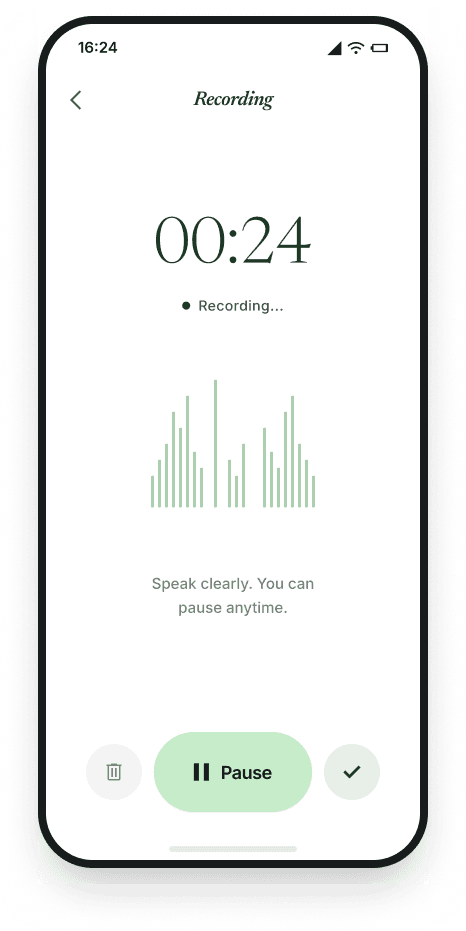
- Record the lecture or import the slides as a PDF
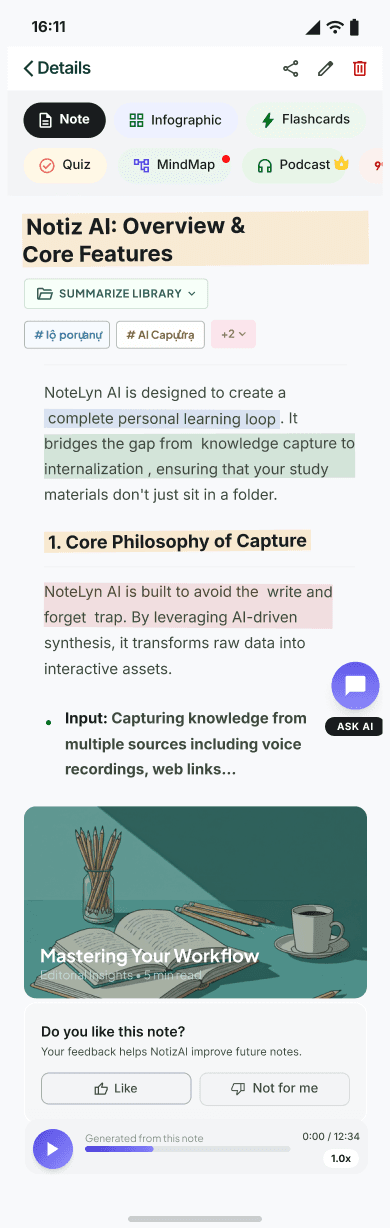
- AI assembles a structured outline with the key concepts marked
- Flashcards and quizzes lock the material into long-term memory
Typical flow
- 01Capture the audio or slides and let AI organize them
- 02Skim the structured notes and the highlighted concepts
- 03Drill with flashcards and quizzes until recall is automatic
NotizAI lays out headings, highlights and key terms so you can spend class understanding instead of scribbling. Definitions and source references are linked in, so ideas connect quickly afterward.
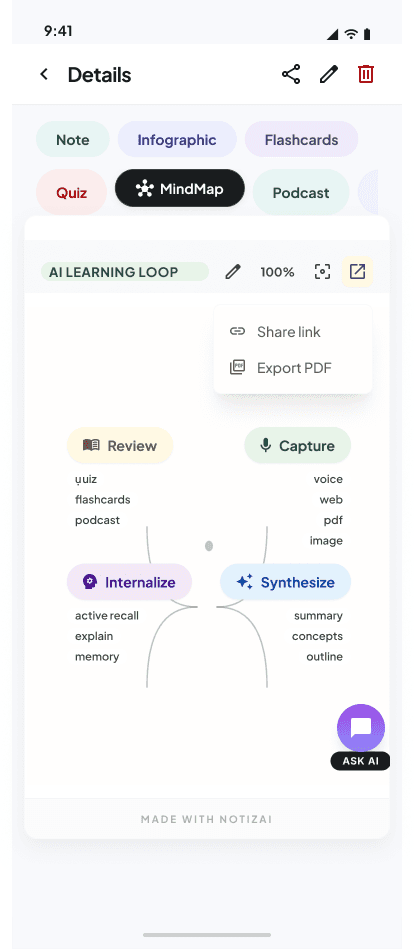
Flip concepts into flashcards and quizzes in a tap. When something stays murky, ask the tutor; when the structure matters, open the mind map to see how topics relate.
Export a summary for a quick pass, or turn the note into a podcast for the walk home. A note infographic gives you the whole lecture as a single visual.
Pair spaced repetition with an error notebook: every quiz item you miss flows straight back into your flashcard deck for targeted review.
Feed in PDFs, video links and recorded lectures together; captions are pulled when they exist, so one unified note covers the whole topic.
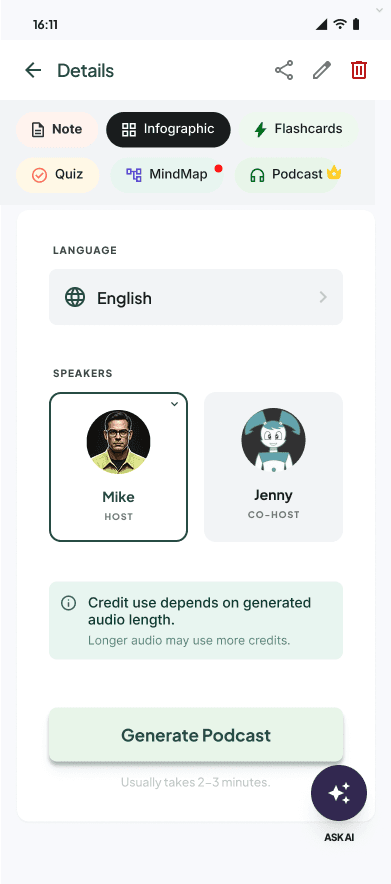
Learn hands-free: choose a voice and speed for the podcast and download it for offline listening on your commute.
When to use
- University lectures and seminars
- Online video courses and webinars
- Exam revision and final review
- Research talks and colloquia
Tips
- Import the slides before class when you can
- Tag each note by subject so revision is easy to find
- Turn key concepts into flashcards while they're fresh
- Use quizzes and the tutor to test, not just re-read
Templates & examples
FAQ
How are flashcards generated?+
NotizAI pulls the key concepts and definitions from your note and builds front/back cards with answers.
Is there a mind map?+
Yes. One is generated from the structured outline and you can rearrange it freely.
Can I review on the move?+
Yes. Turn the note into a podcast and listen at the voice and speed you prefer.
What can I import?+
Audio (MP3/WAV/M4A), PDF slides, links to videos and pages, and photos read with OCR.